
Updates
Understand Shob AI update notifications and restart behavior.
Background update downloads
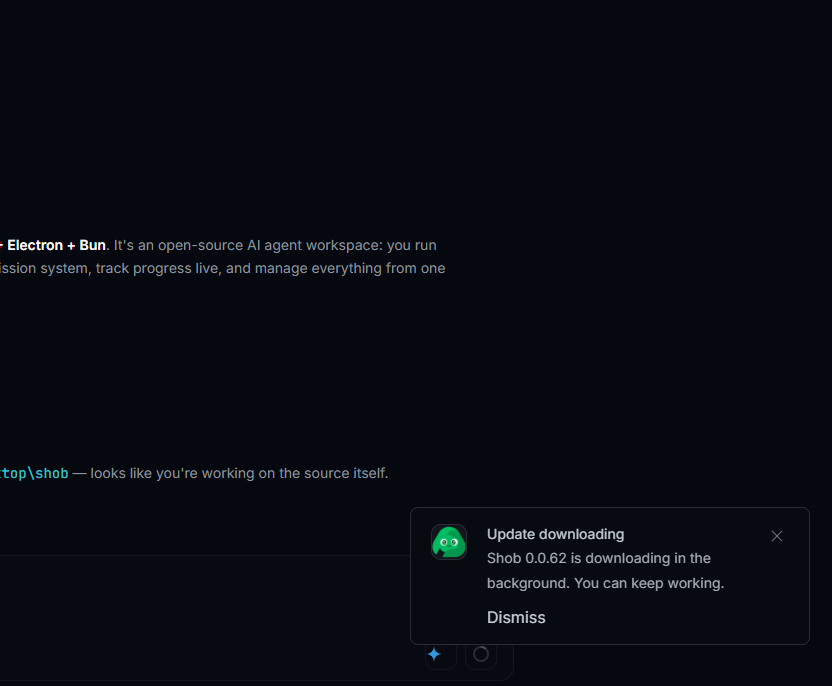
Shob AI can download a new version in the background. You can keep using the app while the download runs.
Ready to install
When the download finishes, Shob shows an update-ready notification.
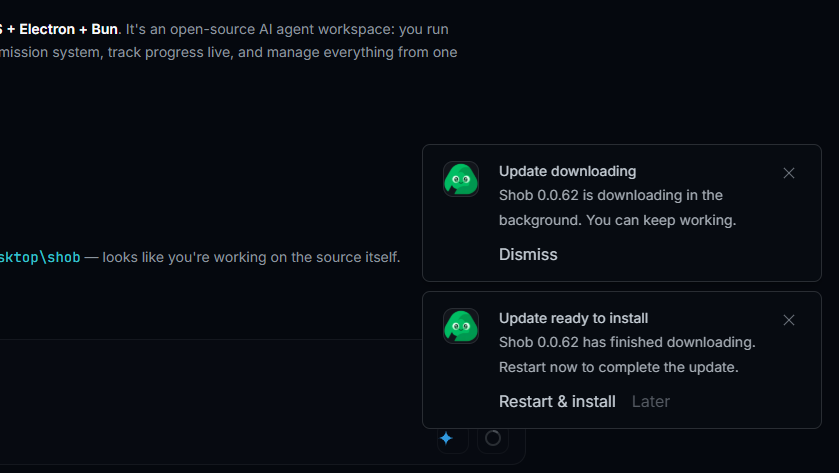
Choose Restart & install when you are ready to close the current app window and complete the update.
Before restarting
- Save any important notes from active sessions.
- Review pending command or file-change approvals.
- Let long-running tasks finish if they are close to completion.
If you choose later
Choosing later keeps the current version open. Install the update the next time you are ready to restart Shob AI.